Inserting and removing a microSD card
Galaxy A03s
Inserting and removing a microSD card
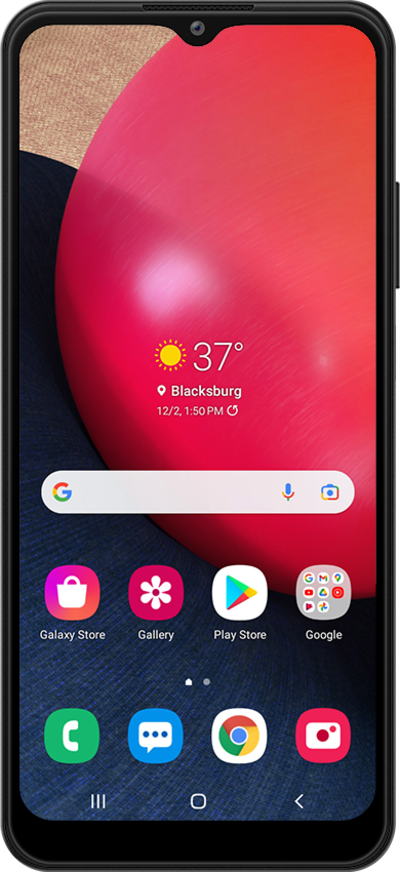
A microSD card can increase your available storage, providing additional room to store photos, videos, music, documents, and more. Learn how to insert a microSD card into your device.
1.
Locate the combined nano SIM / microSD card tray on the left side of your device.
Inserting a microSD card can increase the amount of available memory for apps, photos and music. Your phone doesn't come with a microSD card.
2.
With the device powered off, press the card insertion/removal tool into the combined nano SIM / microSD card tray pinhole and push in until the tray releases.
3.
Slide the combined nano SIM / microSD card tray out of its slot.
4.
Insert or remove the microSD card into or from the tray with the gold contacts facing the back of the phone.
5.
Press the combined nano SIM / microSD card tray back into its slot until it clicks, making sure it's secure.
6.
You've completed the steps!
