Change or reset your voicemail password
iPhone 8 Plus
Change or reset your voicemail password
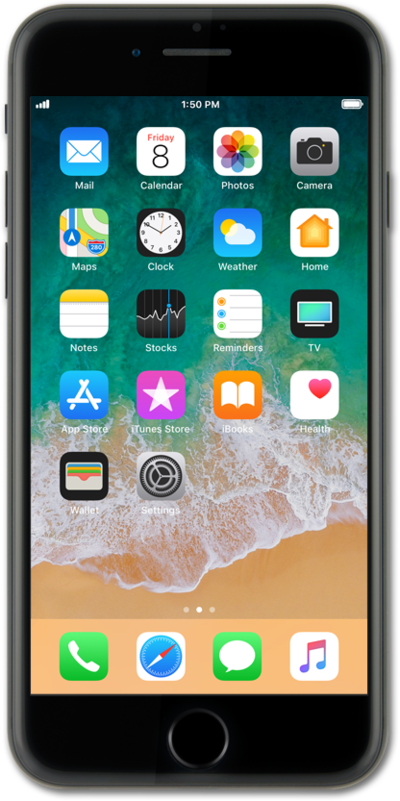
Change your voicemail password if you have forgotten it or think your password may have been compromised. The password will be required before the user can listen to any voicemails.
1.
From within the Settings app, scroll to and tap Phone.
2.
Scroll to Change Voicemail Password.
3.
Tap Change Voicemail Password.
4.
Enter a new voicemail password.
5.
Tap Done.
6.
Re-enter the new voicemail password and tap Done.
7.
You've completed the steps!
