Using S Pen remote and app actions
Galaxy Note 20 Ultra 5G
Using S Pen remote and app actions
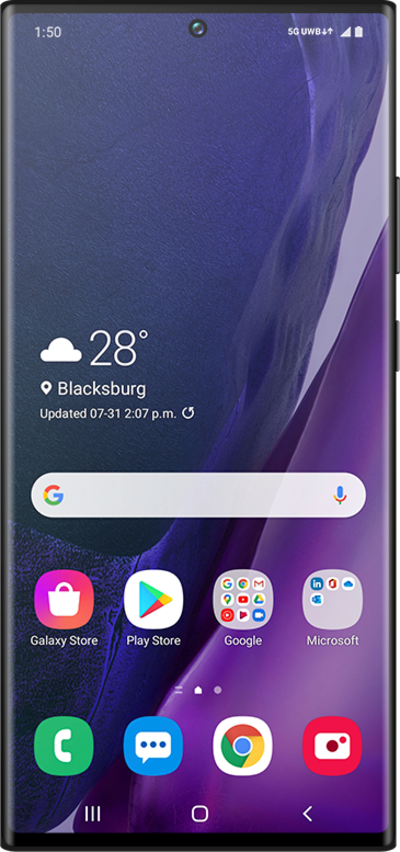
Complete tasks like taking photos and more without touching your device by using the S Pen remote.
1.
From the Settings app, scroll to Advanced features.
2.
Tap Advanced features.
3.
Tap S Pen.
4.
Tap Air Actions.
5.
Tap or slide Air Actions switch to ON.
6.
Press the Side button to turn off your screen.
Depending on your device's model, the Side button may be located on the device’s right or left side.
7.
Press the end of your S Pen to release it.
Depending on your device's model, the S Pen may be located on the device’s bottom right or left side.
8.
Slide your S Pen out of your device to activate the Air Command screen.
9.
Tap on an empty space.
10.
Press and hold the S Pen button to launch the Camera app.
11.
Press the S Pen button to take a picture.
If you quickly press the S Pen button twice, you can switch the camera view.
12.
You've completed the steps!
