Removing a shortcut from Air Command
Galaxy Note 20 Ultra 5G
Removing a shortcut from Air Command
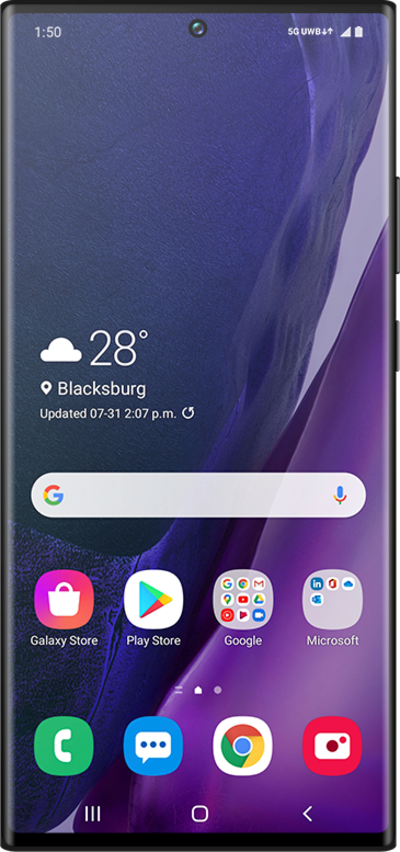
Discover how to remove a shortcut from Air Command. Air Command allows you to quickly access certain apps when your device's S Pen is removed.
1.
From the Air Command screen, tap Add with your S Pen.
2.
Tap the Minus Sign icon on the shortcut you'd like to remove.
3.
Tap the Back icon to view your changes.
4.
You've completed the steps!
