Turning on RCS Messaging
Galaxy A12
Turning on RCS Messaging
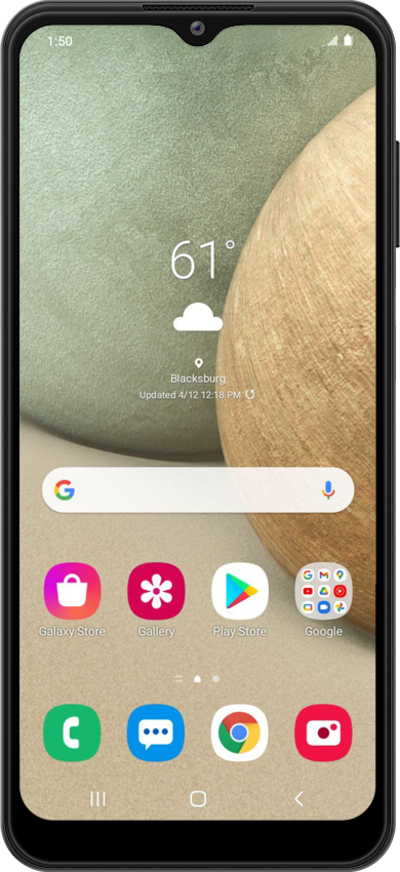
RCS (Rich Communication Services) is an upgraded messaging standard that enables features like read receipts, typing indicators, high-quality media sharing, and improved group chats over your network.
1.
From the Messages app, tap the Menu icon.
2.
Tap Settings.
3.
Tap Chat features.
4.
Tap or slide the Enable chat features switch to ON.
Once activated, your status will change to Connected.
5.
You've completed the steps!
