Capturing a video
iPhone SE (2nd generation)
Capturing a video
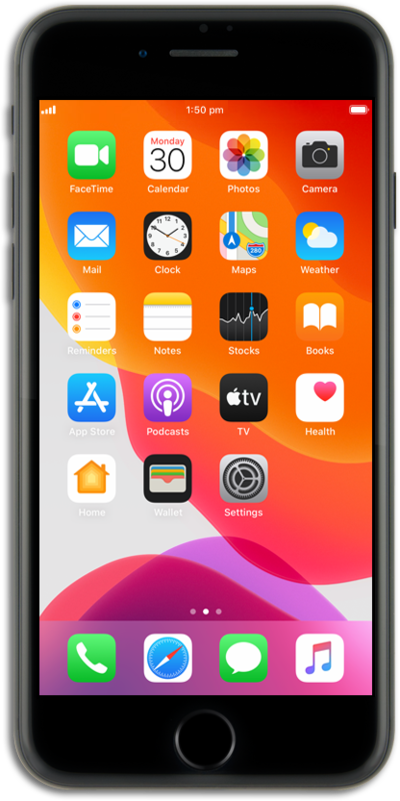
Learn how you can record a video with your device's built in camera app.
1.
From the Home screen, tap Camera.
2.
Swipe to VIDEO.
3.
Tap the Record icon to start recording.
4.
Tap the Stop icon to stop recording.
5.
You've completed the steps!
