Forwarding a text
moto g stylus 5G (2022)
Forwarding a text
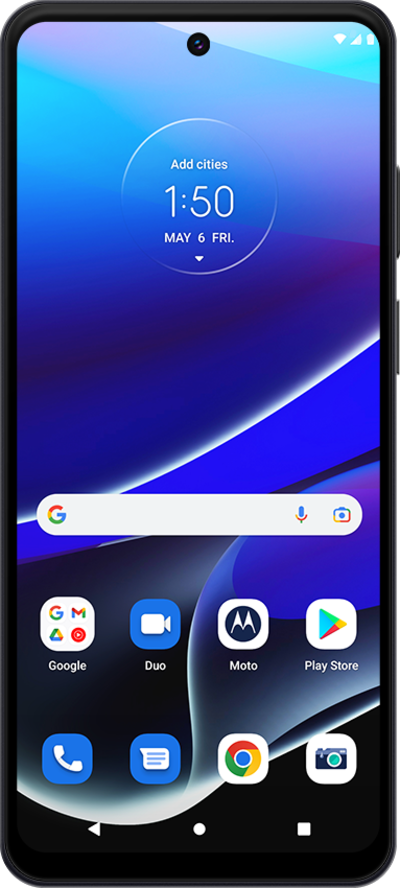
Learn how you can forward a sent or received text or multimedia message to another contact or phone number.
1.
From a text message conversation, touch and hold the message you'd like to forward.
2.
Tap the Menu icon.
3.
Tap Forward.
4.
Tap New message.
5.
Search for a contact.
6.
Select the contact.
7.
Tap SMS.
8.
You've completed the steps!
