Managing Apps and Widgets
Galaxy Note 7
Managing Apps and Widgets
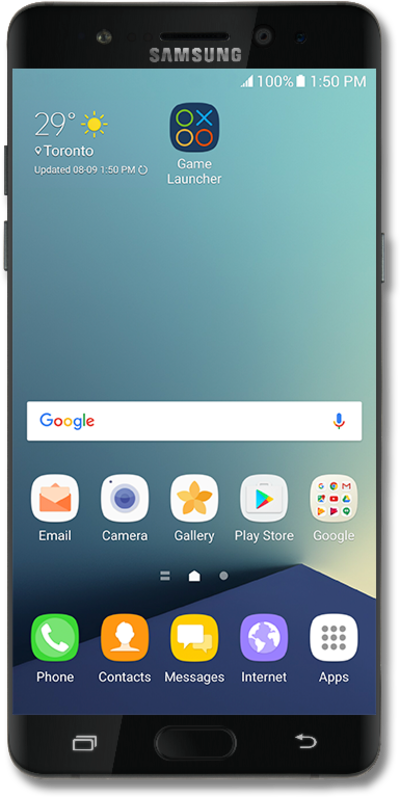
Learn how to use modules, also known as widgets, to help you keep important information at the tips of your fingers. Widgets allow you to do things such as preview upcoming events, see recent emails, and have access to your favorite contacts. You can place apps on your home screen similar to how you place widgets to your home screen.
1.
From the Home screen, place two fingers on the screen and pinch in.
2.
Tap Widgets. You can add apps to the Home screen from the Apps menu.
3.
Tap Calendar.
4.
Touch and hold the widget you'd like to add.
5.
Drag the widget to a Home screen.
6.
Tap DONE.
7.
To resize the widget, drag the blue borders to a new size.
8.
Tap outside the widget to save changes.
9.
To remove the widget, touch and hold the widget.
10.
Drag it to Remove.
11.
You've completed the steps!
