Removing Cards
Galaxy Note 7
Removing Cards
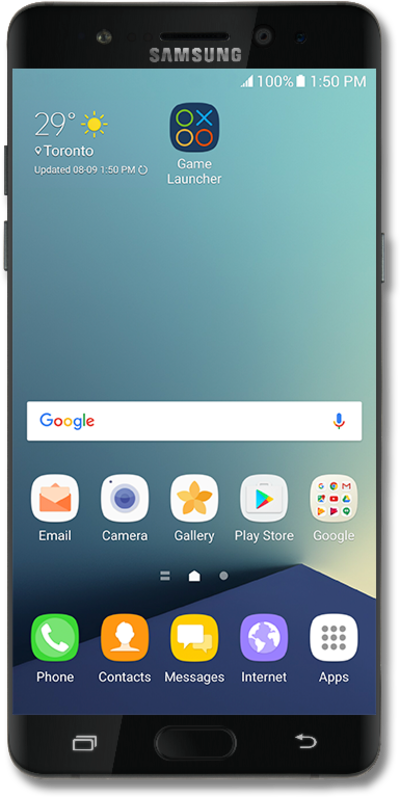
The Google Now panel of your home screen has informational cards to help you through the day. They can contain information such as driving ETAs, weather, sports scores, and more.
1.
From the Home screen, press and hold the Home button.
2.
Tap the Google icon. If necessary, read the on-screen instructions for first time use and tap YES, I'M IN
3.
Scroll down to view cards.
4.
To remove a card, swipe it right.
5.
You've completed the steps!
