Adding a Contact to Favourites
Adding a Contact to Favourites
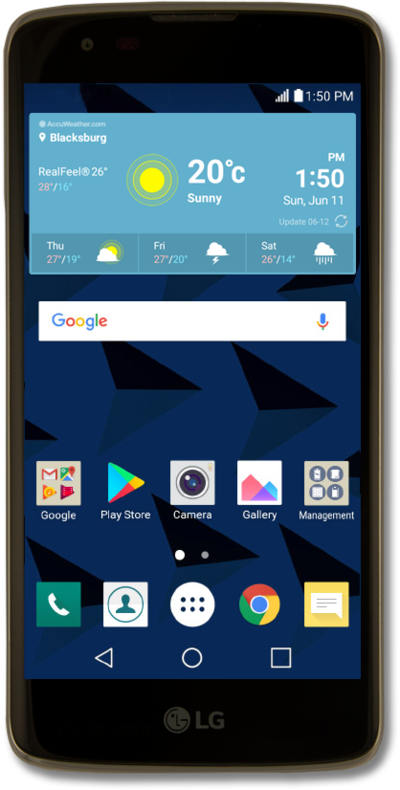
Update your favorites list to keep your favorite contacts easily accessible. Removing contacts from your favorites list does not remove them from your device. If the contact is stored directly on your SIM card you may not be able to add it to your favorites.
1.
From the Contacts app main screen, select a contact.
2.
Tap the Star icon to add the contact to favourites.
3.
Tap the Back button.
4.
Tap Favorites to view your favourites list.
5.
You've completed the steps!
