Inserting and Removing the Nano SIM Card
iPhone 5c
Inserting and Removing the Nano SIM Card
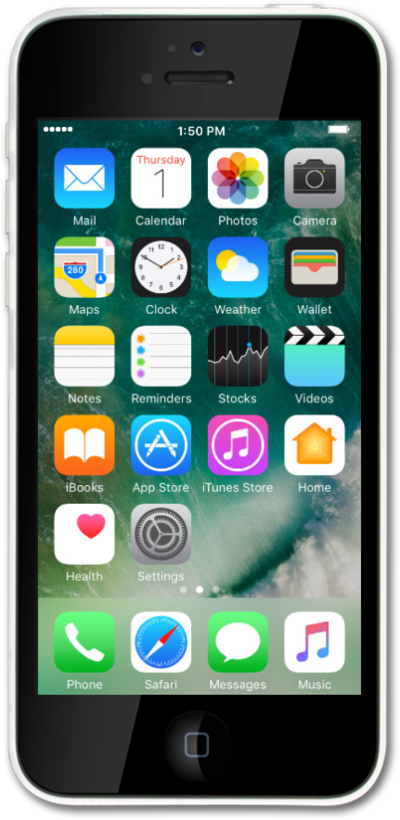
Learn how to insert and remove a SIM card from your device. Your cellular service is activated through your SIM card; without it you cannot use cellular features. Note that a SIM card tray removal tool may be needed.
1.
Press the SIM eject tool's tip into the pinhole of the SIM card tray. The SIM eject tool is included in iPhone's box.
2.
Slide the tray from iPhone.
3.
Insert or remove the nano SIM card from the tray.
4.
Push the SIM card tray back into iPhone.
5.
You've completed the steps!
