Adding and deleting Home screens
Galaxy J3 Eclipse
Adding and deleting Home screens
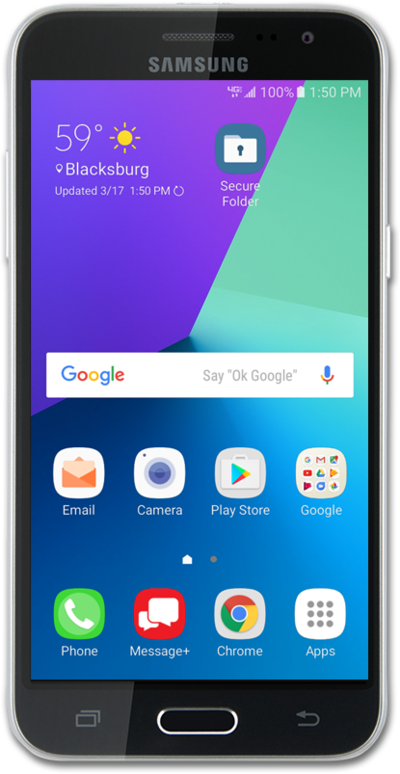
Learn how to create or remove homescreens to further personalize your device. New home screens can be used for widgets or apps. Change the home screen to best suit your needs.
1.
From the Home screen, place two fingers on the screen and pinch in.
2.
To add a Home screen, swipe to the Plus sign panel.
3.
Tap the Plus sign panel.
4.
To remove a Home screen, tap the Delete icon.
5.
You've completed the steps!
