Setting Up Personal Email
Moto E4 Plus
Setting Up Personal Email
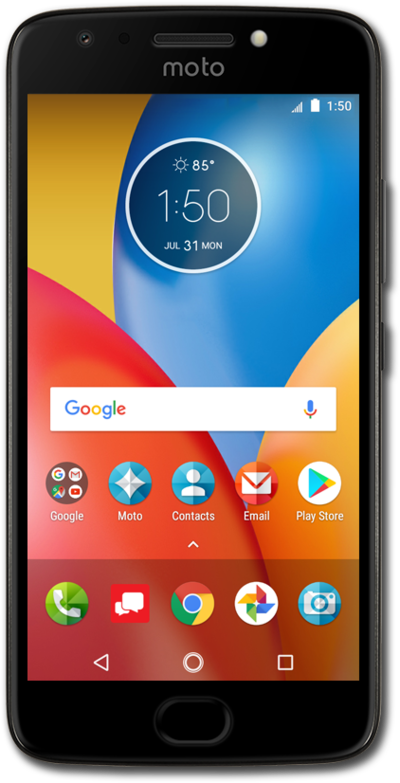
Set up your personal email account on your device so that you can access your email messages, send new emails and more. You can have multiple email accounts on your device.
1.
From the Home screen, tap Email.
2.
Select the type of account you'd like to set up.
In this simulation, we're using Yahoo!®. However, you should select whichever email provider you use. The steps are essentially the same, but you may encounter minor variations based on the chosen email provider.
3.
Tap the Email address field.
4.
Enter your email address.
5.
Tap the Next icon.
6.
Tap the Password field.
7.
Enter your password.
8.
Tap the Next icon.
9.
Scroll to the Next icon.
10.
Tap the Next icon.
11.
Tap the Your name field.
12.
Enter your name.
13.
Tap the Check Mark key.
14.
Tap the Next icon.
15.
You've completed the steps!
