Attaching a File to an Email
Moto E4 Plus
Attaching a File to an Email
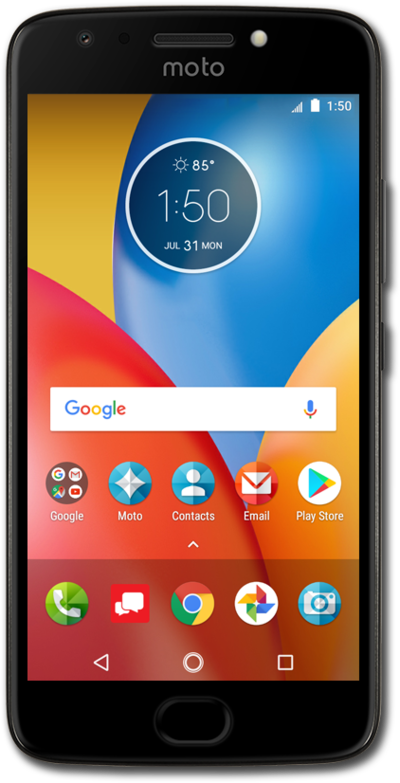
Learn how you can attach pictures, videos, etc. to emails when sending an email with your device. By attaching files to your email, you can share photos by email to your contacts.
1.
From a composed message, tap the Attach icon.
2.
Tap Attach file.
For this simulation, we're selecting an image file. You can choose other types of attachments to send with an email, but steps may vary slightly based on what type of file you choose.
3.
Select the photo you'd like to share.
4.
Tap the Send icon.
5.
Select a resize option.
6.
Tap SEND.
7.
You've completed the steps!
