Ignoring a call and replying with a text
7T Pro
Ignoring a call and replying with a text
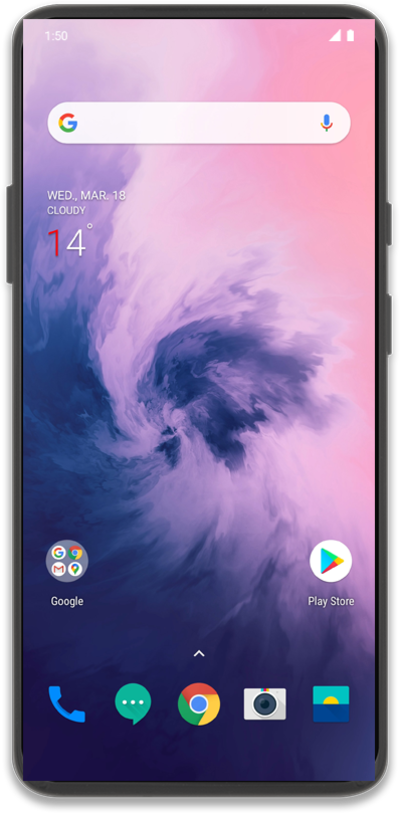
If you are unable to take a phone call, you can ignore the phone call and reply with a text to let the caller know you are unable to talk at that time.
1.
From an incoming call, swipe up on the Message icon.
2.
Tap Write your own.
To respond quickly, you can also select one of the available preprogrammed responses.
3.
Compose your message.
4.
Tap Send.
5.
You've completed the steps!
