Navigating multiple Home screens
Galaxy A6
Navigating multiple Home screens
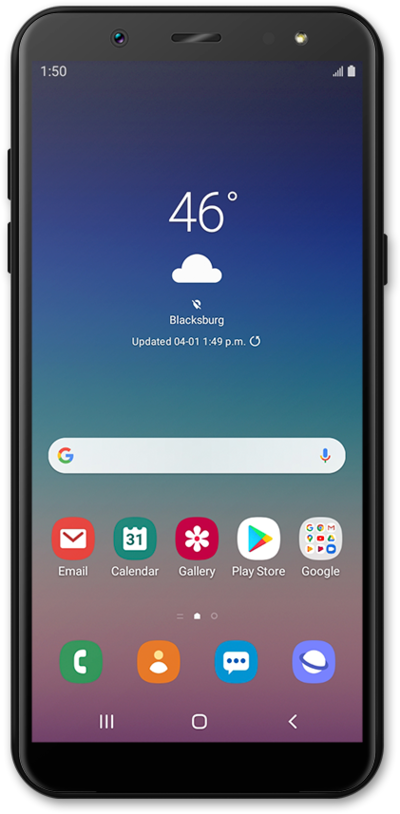
Your device may have multiple home screens and switch between them to see different apps on the home screens. You can use the home button to jump to the main home screen.
1.
From the Home screen, swipe right to left to view the Favorite apps screen.
2.
Swipe left to right to return to the main Home screen.
3.
Swipe left to right again to view the Favorite contacts screen.
4.
Swipe left to right again to access the Hello Bixby screen.
5.
Tap the Home icon to return to the main Favorite contacts screen.
6.
You've completed the steps!
