Adding and removing contacts from favorites
Adding and removing contacts from favorites
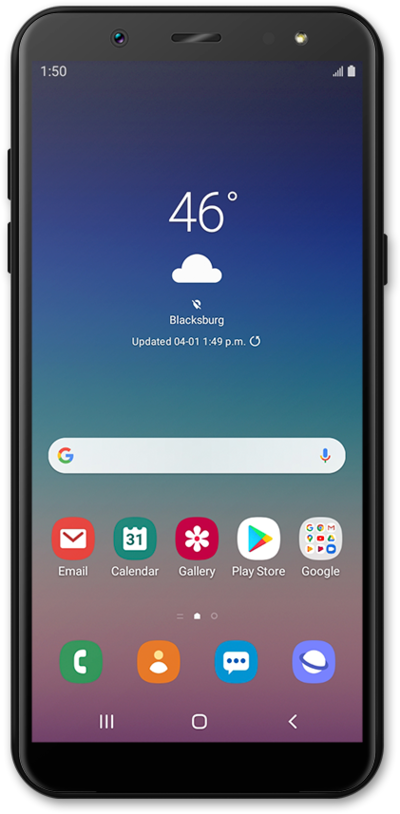
From the Home screen, swipe left to right to view the Favorite contacts screen.
To add a contact, tap the Add Contact icon.
Tap Create contact.
If necessary, select an account to save the contact to.
Enter the contact's name.
Scroll to the Phone field.
Tap the Phone field.
Enter the contact's phone number.
Tap the Next key.
Enter the contact's email address.
Tap Save.
Tap the Home button.
Tap the Add Contact icon.
Tap Add existing Contact.
Select the contact you'd like to add as a favorite.
Tap Done.
To delete a contact, tap Edit.
Tap the Minus sign icon beside the contact you'd like to remove.
Tap Remove.
Removing a contact from your Favorites screen won't delete the contact completely from your phone. You'll still be able to find that contact in your Contacts app.
Tap Done to save your changes.
You've completed the steps!
