Adding a contact
Moto G5 Plus
Adding a contact
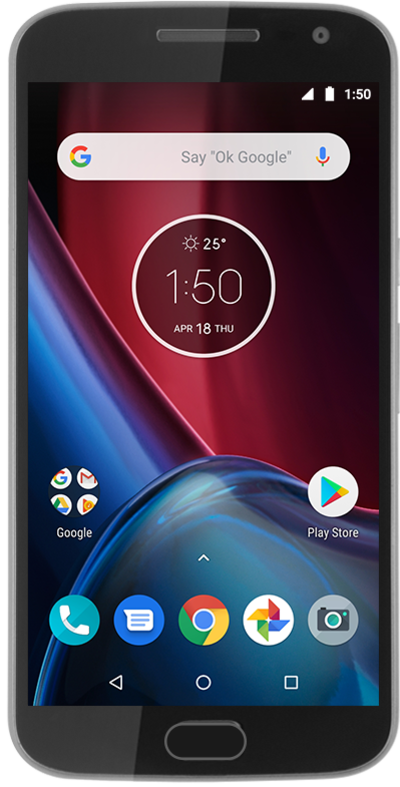
Create a new contact to store that person's information on your device. In addition to saving their phone number, you can store information like email, address, and more.
1.
From the Contacts app main screen, tap the Plus sign icon.
If prompted, select your contact storage location.
2.
Enter the contact's first name.
3.
Tap the Next key.
4.
Enter the contact's surname.
5.
Tap the Next key.
6.
Enter the contact's phone number.
7.
Scroll to the Email field.
8.
Tap the Email field.
9.
Enter the contact's email address.
10.
Tap SAVE.
11.
You've completed the steps!
