Adding a picture to a contact
Moto G5 Plus
Adding a picture to a contact
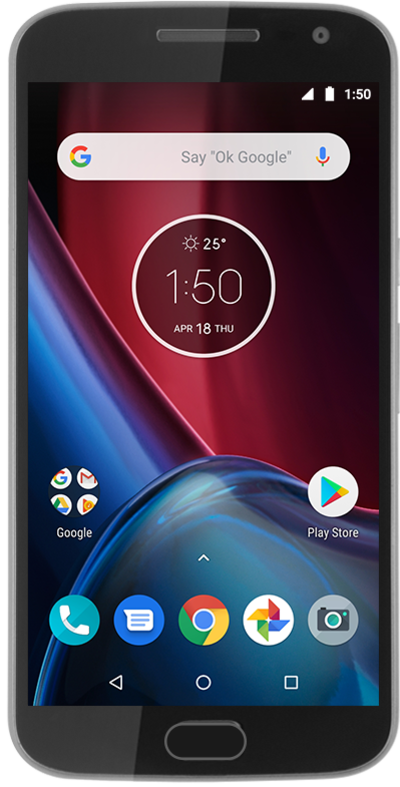
Set pictures to the contacts on your device to make it easier to tell who a text, email, or phone call is from at a glance.
1.
From the Contacts app main screen, select the contact you'd like to add a picture to.
2.
Tap the Edit icon.
3.
Tap the Camera icon.
4.
Tap Choose photo.
5.
Select a folder.
6.
Select a photo.
7.
Drag the white borders to crop as desired.
8.
Tap Done.
9.
Tap Save.
10.
You've completed the steps!
