Multitasking between apps
Multitasking between apps
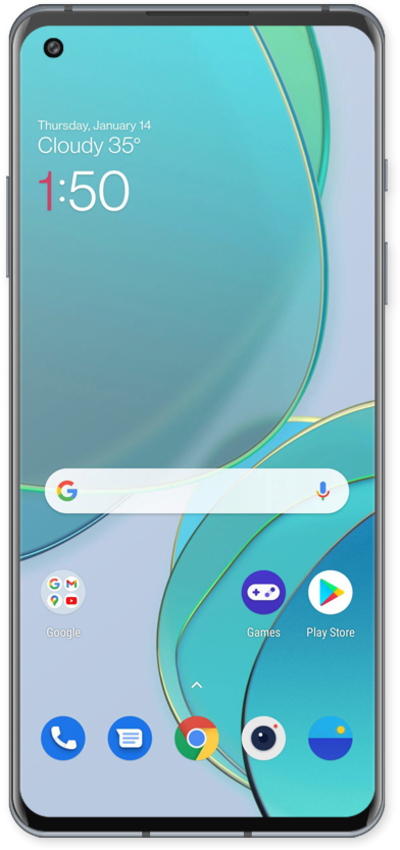
It's easy to switch between different apps on your device, and there are multiple ways you can share data between them.
1.
From the Home screen, swipe up from the bottom of the screen and hold to view your recent apps.
Recently opened apps will appear in the order you last used them.
2.
Select the app you'd like to view.
Some apps let you have multiple windows open at a time. If you have more than one open, you can go directly to any window.
3.
Touch and hold the Message you'd like to copy.
4.
Tap the Copy icon.
5.
Swipe up from the bottom of the screen and hold.
6.
Select the app you'd like to view.
7.
Tap the Search here field.
8.
Touch and hold the Search here field.
9.
Tap Paste.
10.
Select an option.
11.
Swipe up from the bottom of the screen and hold.
12.
Swipe an app up to close it.
You can also tap Clear All to close all recent apps.
13.
You've completed the steps!
