Samsung Galaxy S20 5G Device Help & How-To Guides
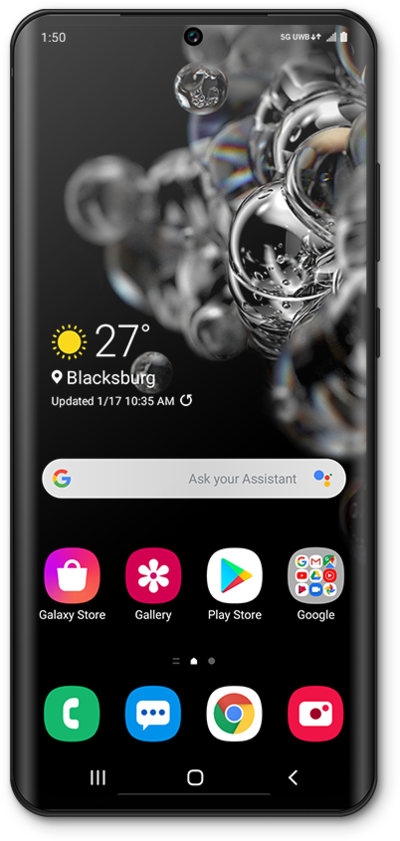
What would you like to learn about your device?
Trending Galaxy S20 5G topics
Setting up Voicemail
Learn how to set up Voicemail so that you can store messages from calls you missed. If your Voicemail Icon does not appear try restarting your phone.
ExploreImporting and exporting contacts
Import your contacts from a vcf file or from your SIM card. A vcf file can be exported from your old device and imported to your new device.
ExploreInserting and Removing the Nano SIM Card
Learn how to insert, remove, and replace a SIM card in your device.
ExploreManaging cellular settings between different SIMs
When you’re combining a physical sim and an eSIM or two eSIMs, you can customize each number’s cellular settings individually.
Explore