Samsung Galaxy S25 Edge Device Help & How-To Guides
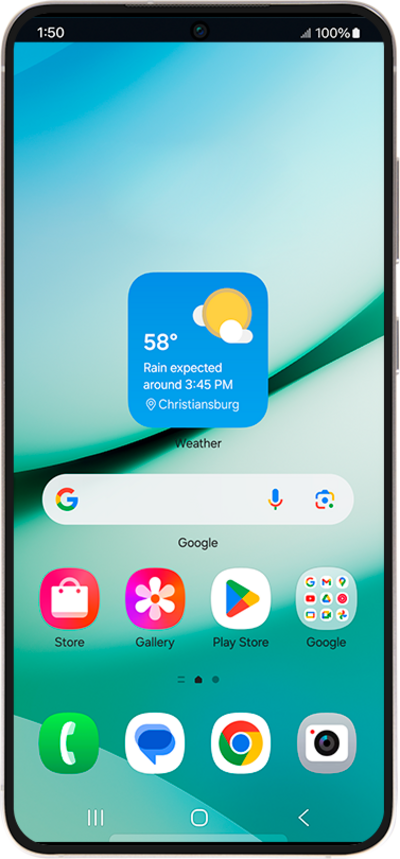
What would you like to learn about your device?
Trending Galaxy S25 Edge topics
Resetting network settings
If you are having trouble connecting to the Internet you may need to reset your network connections. Resetting your network connections will disconnect any Bluetooth devices connected to your device and disconnect your device from any Wi-Fi networks it is connected to.
ExploreClearing the cache and data for an individual app
Clearing your app’s cache removes temporary data that is stored on the app and is often used as a troubleshooting step. On the other hand, clearing your app’s storage or data, will permanently reset your app and will cause the app to act like it did when it was initially downloaded.
ExplorePerforming a factory reset
A factory reset will erase all data from your device and is irreversible. This is good to do if you are going to trade in or sell your device. It will wipe all of your personal information from the device.
ExploreManaging Data Usage
Learn how to easily check and track your data usage by following these steps.
Explore