Everything you need to know to easily upgrade to AT&T Fiber.
First, sign in to your myAT&T account.
Select Explore other internet plans and choose a fiber internet speed, starting at 300Mbps for the same price as your current internet.
Set up your no-cost installation appointment for your upgrade.
Bundle and save
After upgrading your internet plan, add AT&T Wireless and save over $800/year with four lines of unlimited wireless.
AT&T may temporarily slow data speeds if the network is busy.
Savings based on 20% discount on four voice lines on AT&T Unlimited Starter® SL with elig. fiber svc. & $10/mo. discount with elig. Autopay & paperless bill. Discounts start within 2 bills.
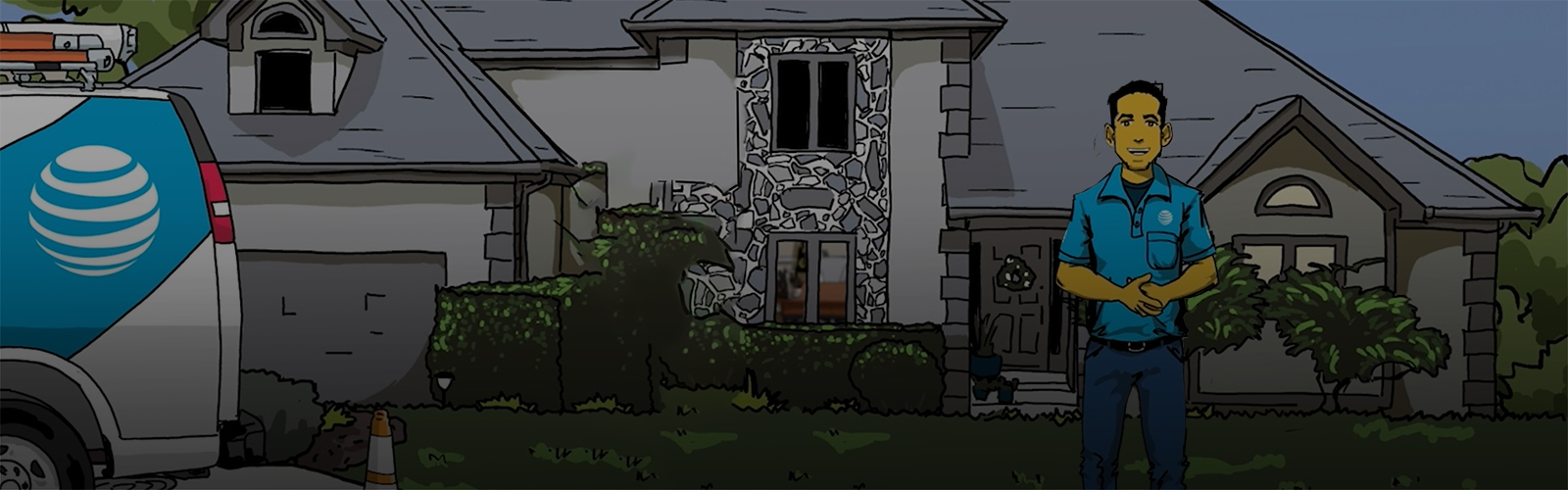
AT&T does not charge for installation for customers requesting an upgrade. Your current equipment charges (if any) will remain the same.
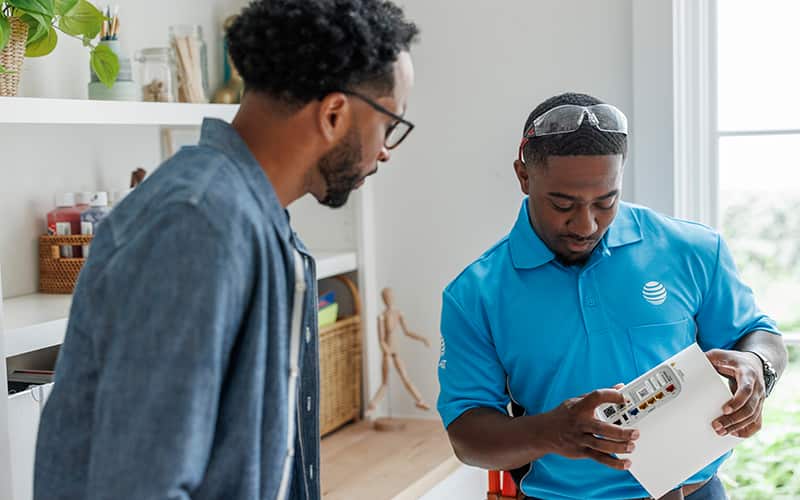
AT&T Fiber requires a technician to come to your home, even if you already have other AT&T services. Fiber services require full fiber networking, and the technician will upgrade all of your lines to be sure you have the most up-to-date fiber technology. AT&T Fiber takes from 4-6 hours to be fully installed. This includes replacing existing copper wiring with new fiber lines. This provides you with the best Internet experience.
If you‘re a current AT&T Internet customer and want a faster internet plan, check to see if you're eligible for an upgrade. You will be prompted to log in to your existing myAT&T account to modify your service. If a faster internet plan is available at your address, you can follow the prompts to upgrade your internet plan online.
When considering the best broadband speed for your household, you should evaluate the amount of bandwidth you will need. The suggested bandwidth for will depend on the number of users, number of devices, and the activities you do on the internet.
Some internet activities perform better with higher speed services. For example, transferring large data files or streaming high-definition video.
Other applications do not require fast internet speeds to complete. For example, sending short e-mails without attachments or basic web browsing.
The FCC recommends an internet connection greater than 25 Mbps for users with more than one device running multiple high-demand applications like streaming HD video or multiparty video conferencing.
You can check out the speed of your current internet service by running at internet speed test.
For more information about the broadband speeds of our internet plans, please check out our guide to understanding internet speed. Once you have an idea for the internet speed you need, you can check which AT&T Internet service is available at your address.
When looking to increase your home internet speed, consider choosing a higher speed internet service or optimizing your home network.
An underpowered or outdated Wi-Fi gateway/router may impact performance. That's why AT&T provides modems and routers that can properly handle our high-speed internet plans.
If you’re experiencing lower speeds outside of the optimal range of your router, consider adding Wi-Fi extenders to increase the effective area of your home Wi-Fi network.
For more information on optimizing your home network, you can reference this step-by-step guide on how to speed up your home internet.
If you are interested in upgrading to a faster internet plan, you can check which AT&T internet plans are available in your location.
We use cookies to help enhance your experience on our site and for analytics. We also may use cookies for marketing purposes. You can manage your preferences and opt out of the sharing for targeted advertising and sales of cookie data.
Learn more about our approach to privacy at att.com/privacy.