Transferring photos to an SD card
Flip
Transferring photos to an SD card
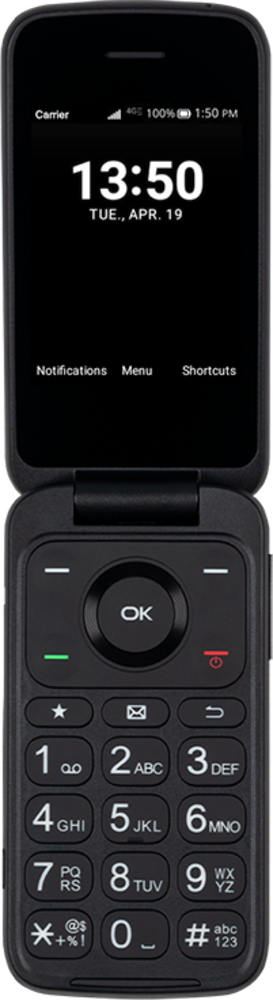
Move photos and videos to your SD card to free up space on your device. You will also be able to easily transfer videos and picture to a new device using the same SD card.
1.
From the Home screen, press the OK button.
2.
Navigate to Tools.
3.
Press the OK button.
4.
Navigate to File Manager.
5.
Press the OK button.
6.
Press the OK button.
7.
Navigate to a folder.
8.
Press the OK button.
9.
Press the OK button.
10.
Press the Right button.
11.
Navigate to Select files.
12.
Press the OK button.
13.
Choose the files you'd like to move.
14.
Press the OK button.
15.
Press the Right button.
16.
Press the OK button.
17.
Press the Back button.
18.
Press the Back button again.
19.
Press the Back button again.
20.
Navigate to SD card.
21.
Press the OK button.
22.
Navigate to a folder.
23.
Press the OK button.
24.
Press the Right button.
25.
You've completed the steps!
