Changing the Picture Storage Location
Flip
Changing the Picture Storage Location
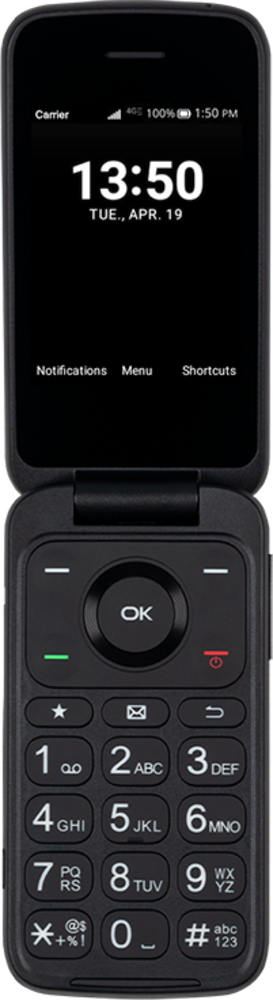
You can store pictures and videos on your device or on an SD card. Saving pictures and videos on your SD card frees up storage space on your device and makes it easier to transfer them to your new device.
1.
From the Camera app, press the Right Option button.
2.
Navigate to Storage and press the OK button.
3.
Navigate to Use SD card and press the OK button.
4.
You've completed the steps!
