Adjusting your display size
Adjusting your display size
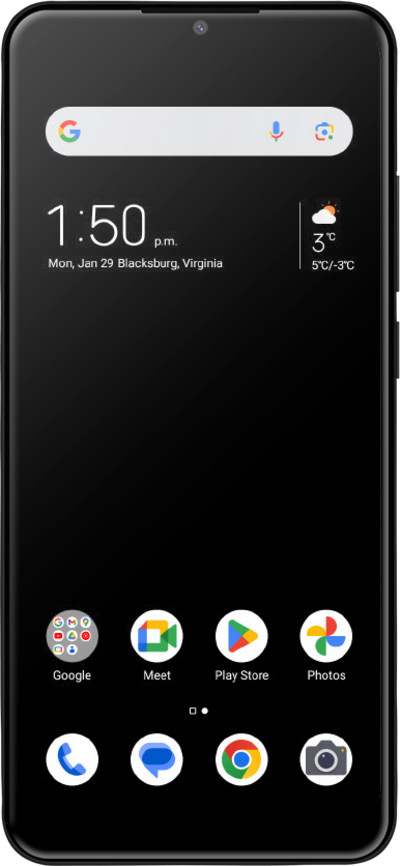
You can change the display size on your screen to be larger or smaller. The display size will change the size of everything on the screen, not just the font size.
1.
From Settings, scroll to Features.
2.
Tap Features.
3.
Tap Accessibility.
4.
Tap Text and display.
5.
Tap Display size.
6.
Select your preferred display size.
7.
You've completed the steps!
