Turning on Magnifier shortcut
Turning on Magnifier shortcut
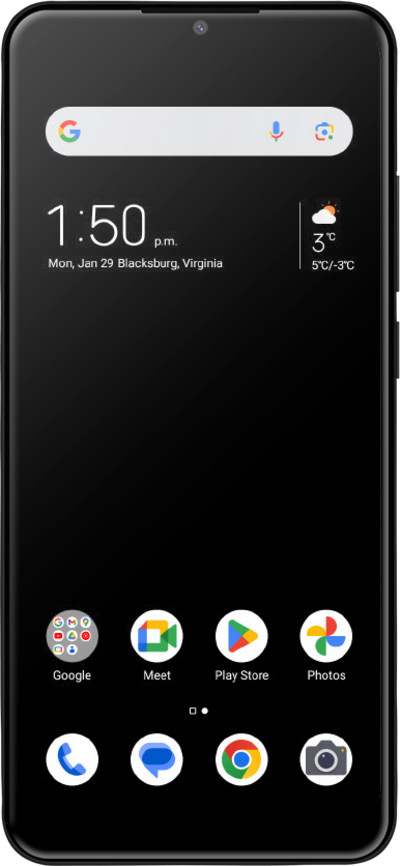
The magnifier window allows you to zoom in on specific parts of your device's screen if they're otherwise difficult to read.
1.
From within the Settings app, scroll to Features.
2.
Tap Features.
3.
Tap Accessibility.
4.
Tap Magnification.
5.
Tap or slide the Shortcut switch to ON.
6.
Tap OK.
7.
You've completed the steps!
