Turning on and changing Live Caption settings
Turning on and changing Live Caption settings
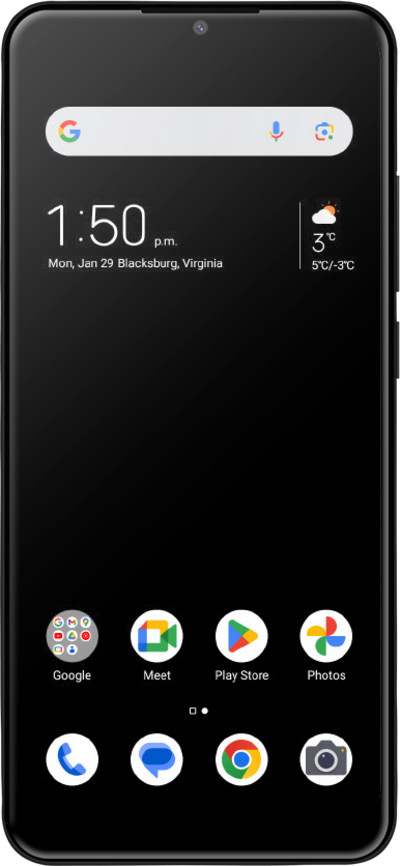
With Live Caption, your device will automatically create captions for any audio that's currently playing, such as podcasts, music, and videos.
1.
From within the Settings app, scroll to Features.
2.
Tap Features.
3.
Tap Accessibility.
4.
Tap Live Caption.
5.
Tap or slide the Use Live Caption switch to ON.
6.
Tap OK.
7.
You've completed the steps!
