Setting up a new phone manually
Edge 2024
Setting up a new phone manually
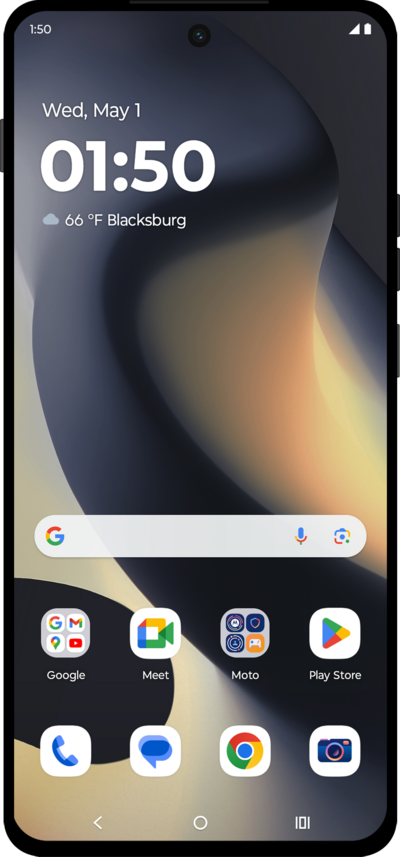
When you get a new device or reset your current one, follow these initial setup steps to activate and configure your device.
1.
Tap START.
2.
Choose your Wi-Fi network.
You can also choose to set up your phone offline.
3.
Enter your Wi-Fi network's password, and tap Connect.
4.
Tap Accept & continue.
5.
Tap Don't copy.
You can choose to transfer apps and data from your previous phone, if applicable.
6.
Enter your Google account's email address, then tap Next.
7.
Enter your Google account's password, then tap Next.
8.
Tap Next.
9.
Tap I agree.
10.
Tap Accept.
11.
Enter a PIN number, then tap Next.
12.
Re-enter your PIN number, then tap Confirm.
13.
Tap Skip.
For this tutorial, we're skipping fingerprint setup, but we recommend using fingerprint authentication to increase the security of your device.
14.
Tap Continue.
15.
Tap Skip.
16.
Tap Skip again.
17.
Tap Next.
18.
Tap OK.
19.
Tap Next.
20.
Tap Next.
21.
Tap Maybe later.
22.
You've completed the steps!
