Setting a Contact's Preferred Line for Calls and Messages
iPhone XS
Setting a Contact's Preferred Line for Calls and Messages
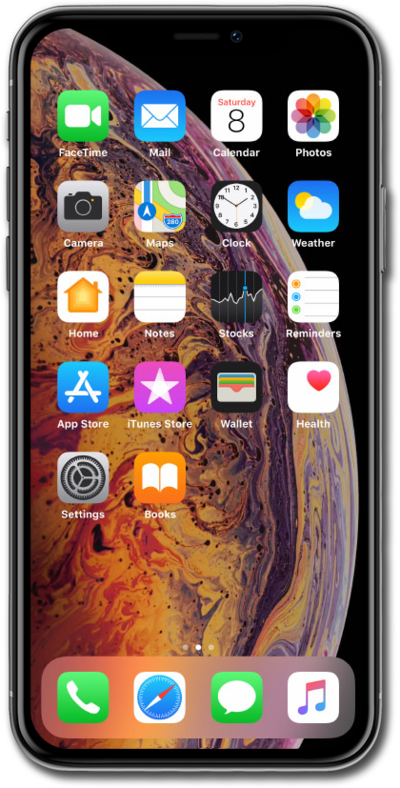
Set a contact's preferred line when you have two SIM cards. This will make the preferred line the default whenever you interact with that contact.
1.
Within your device’s Contacts app, select a contact and tap Edit.
2.
Tap Preferred Line.
3.
Select the number you'd like to use.
The labels you've chosen may differ from this tutorial, but the same steps should still apply.
4.
Tap Done.
5.
Tap Done again.
6.
You've completed the steps!
