Switching phone numbers for calls with Dual SIM
iPhone XS
Switching phone numbers for calls with Dual SIM
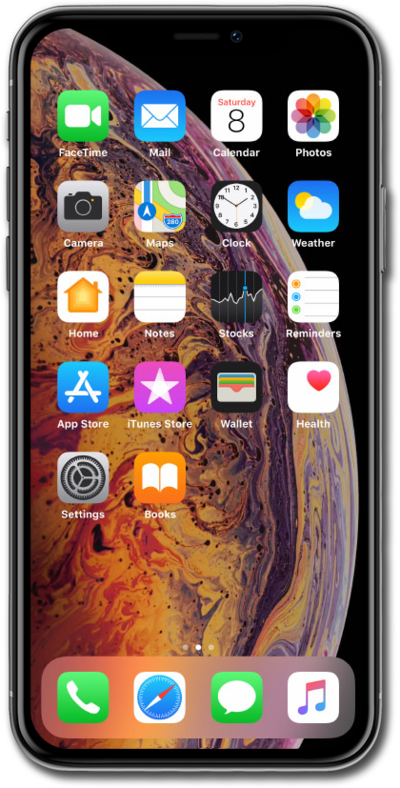
You can place and receive calls using two different phone numbers if you set up your device with two active eSIMs or the combination of an eSIM and a physical SIM.
1.
From the Phone app, enter a phone number.
2.
Select the cellular plan label at the top of your screen.
You can also tap the Favorites icon, tap the Info icon next to a contact, and switch the default number you’ll use to call them.
3.
Select the number you'd like to use.
4.
Tap the Call icon.
5.
You've completed the steps!
