Switching phone numbers for texts with Dual SIM
iPhone XS
Switching phone numbers for texts with Dual SIM
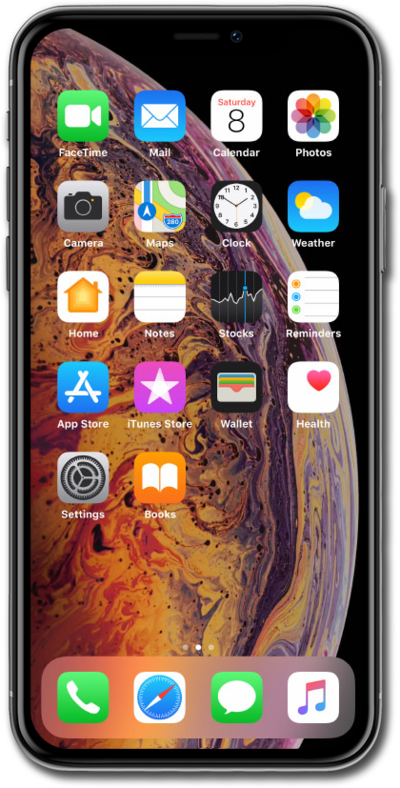
With the dual sim feature of your device, you can easily switch between phone numbers when sending an SMS or MMS message.
1.
From within the Messages app, tap the Compose icon.
2.
Enter a phone number or contact's name and tap to select them when they appear.
3.
Tap the label representing one of your cellular plans.
The labels you've chosen may differ from this tutorial, but the same steps will still apply.
4.
Select the plan and number you would like to use.
5.
Tap the return key.
6.
Compose your message and tap the Send icon.
7.
You've completed the steps!
