Using Magic Compose and Magic Rewrite
Galaxy Tab S10+ 5G
Using Magic Compose and Magic Rewrite
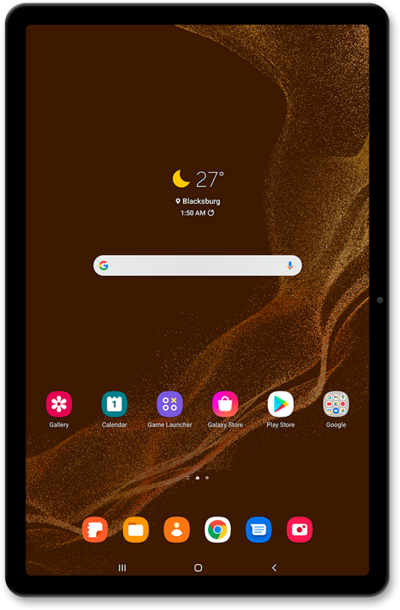
Magic compose drafts responses to text messages based on their content, as well as gives the user the option to rewrite these responses based on the users’s desired style and formatting.
1.
From the Messages app, start a new conversation.
2.
Tap the Message field and compose a message.
3.
Tap the Magic Compose icon.
From this point you may select different categories by horizontally scroll to see options like "Excited, Formal, Short, etc.".
4.
Select a category.
5.
Select the message you would like to replace your composed message with.
6.
If the message you selected was not what you wanted, tap the Magic Compose icon.
7.
Select a category.
8.
Select your message.
9.
Tap the Send icon.
10.
You've completed the steps!
