Using Photo Ambient Wallpapers
Galaxy Tab S10+ 5G
Using Photo Ambient Wallpapers
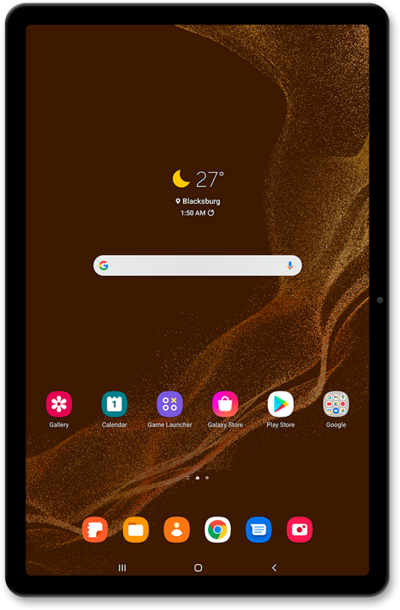
Photo ambient wallpapers receive data from your Weather app to automatically change your wallpaper based on your current location’s weather. Use these steps to learn how to set up and personalize a photo ambient wallpaper.
1.
From the Settings app, Tap Wallpaper and style.
2.
Tap Change wallpapers.
3.
Tap Photo ambient.
4.
Tap Try now.
5.
Choose a photo.
6.
Tap the Play button.
7.
Tap Done.
8.
Tap the Home icon.
9.
Press the Side button.
10.
Tap the Side button again.
11.
You've completed the steps!
