Checking which Android version your device is on
Galaxy A36 5G
Checking which Android version your device is on
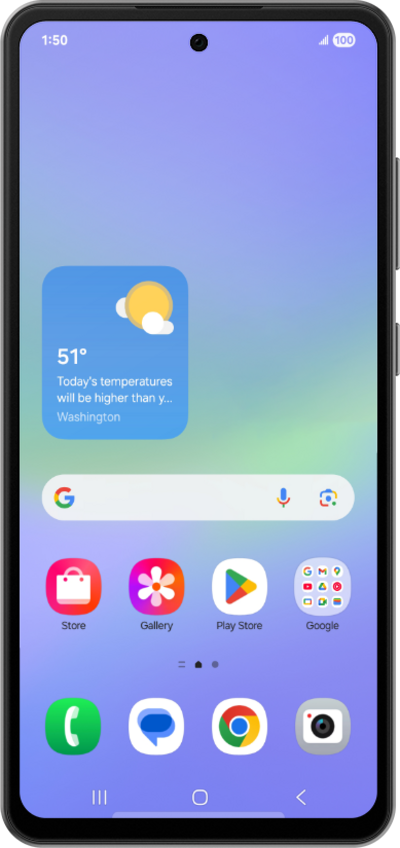
Follow along to review what Android version you are currently running on your device. You may also be able to view other version related information such as your Android security updates, Google Play system updates, Baseband versions, and your Build number etc..
1.
From the Settings app, scroll to About phone.
2.
Tap About phone.
3.
Scroll to Software information.
4.
Tap Software information.
5.
You've completed the steps!
