Checking for and installing Google Play system updates
Galaxy A36 5G
Checking for and installing Google Play system updates
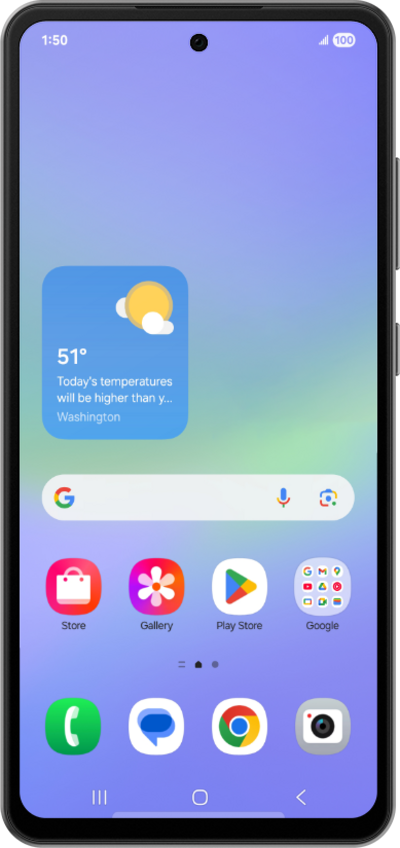
Google Play System updates address potential security issues. Familiarize yourself with how to check and install Google Play System updates on your device.
1.
From the Settings app, scroll to Security and privacy.
2.
Tap Security and privacy.
3.
Tap Updates.
4.
Tap Google Play system update.
5.
If there is an update available, tap Restart now.
6.
You've completed the steps!
