Sharing a One-Time Password for your Mobile Hotspot
Galaxy Z Fold6
Sharing a One-Time Password for your Mobile Hotspot
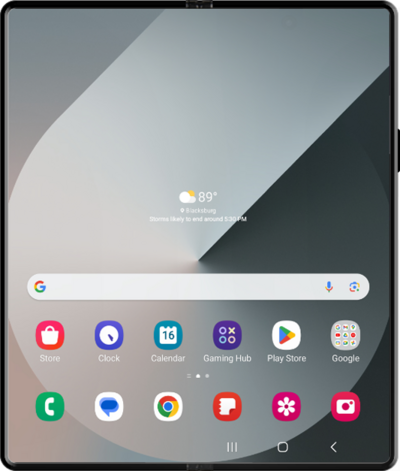
Share a one time password for your Mobile Hotspot.
1.
From the Connections tab in Settings, tap Mobile Hotspot and Tethering.
2.
Tap Mobile Hotspot.
3.
Tap or slide the Mobile Hotspot switch to ON.
4.
Scroll to One-time password.
5.
Tap One-time password.
6.
Tap or slide the One-time password switch to ON.
Your one-time password will display here. If you turn your hotspot off and on again, a new password will be issued.
7.
You've completed the steps!
