Using Personal Voice to Communicate with Others by Using a Voice that Sounds Like Yourself
iPad 10th Generation
Using Personal Voice to Communicate with Others by Using a Voice that Sounds Like Yourself
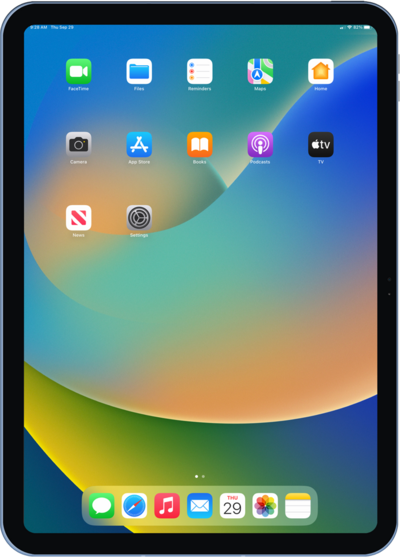
Personal Voice allows you to create a digital version of your voice. Personal Voice works in conjunction with Live Speech in order to communicate with others.
1.
From the Settings app, tap Accessibility.
2.
Scroll to and tap Personal Voice.
3.
Tap Create a Personal Voice.
You may need to enter your iPad Passcode before continuing.
4.
Tap Continue.
5.
Select a language.
6.
Tap Continue.
Follow the instructions to record the 150 prompts with iPad directly in front of your face in a quiet room. You can tap Cancel at any time to return to pause. To return and continue recording, select the Personal Voice you created, then tap Continue Recording.
7.
You've completed the steps!
