Setting motion accessibility settings
iPad 10th Generation
Setting motion accessibility settings
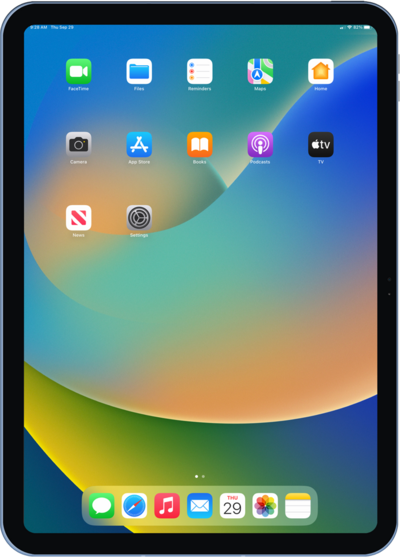
Learn how to turn on this feature in order to help relieve your motion sickness in a moving vehicle.
1.
From the Settings app, tap Accessibility.
2.
Tap Motion.
3.
From this screen you can adjust multiple settings for motion-sensitive users:
- Vehicle Motion Cues - Enabling this option will cause a series of dots to appear at the edges of the screen that follow the movement of a vehicle you're riding in. This can help reduce motion sickness.
- Reduce Motion - Turn this toggle ON to reduce the motion effects and animations on the iPhone's screen.
- Dim Flashing Lights - With this feature enabled, the iPhone will automatically dim any video content that depicts repeated flashing or strobing lights.
4.
You've completed the steps!
