Turning Vocal Shortcuts on and off
iPad 10th Generation
Turning Vocal Shortcuts on and off
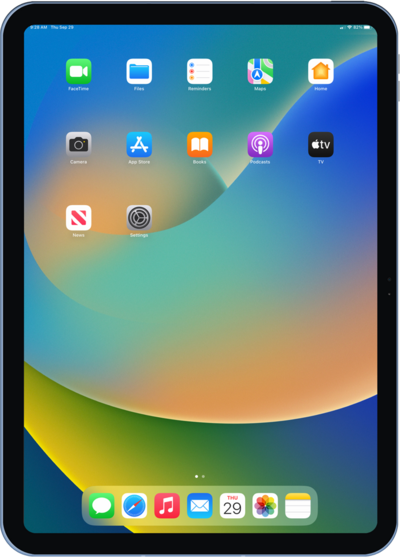
Learn how to set up this feature in order to trigger specific actions on your phone with certain pre recorded words and phrases.
1.
From within the Settings app, tap Accessibility.
2.
Scroll to and tap, Vocal Shortcuts.
3.
Tap Set Up Vocal Shortcuts.
4.
Tap Continue.
5.
Tap Siri Request as the action.
You can also make a vocal shortcut for Custom Action.
6.
Type the word or term you want to use as the wake word.
7.
Tap the Go key and follow the on screen setup prompts.
8.
Tap Continue.
9.
To test the new shortcut, speak the wake word.
10.
To remove a vocal shortcut, tap Edit.
11.
Tap the Minus icon.
You can also disable all Vocal shortcuts by tapping or sliding the Vocal Shortcuts switch to OFF.
12.
Tap Delete to delete the shortcut.
13.
You've completed the steps!
