Setting up a new device manually
Setting up a new device manually
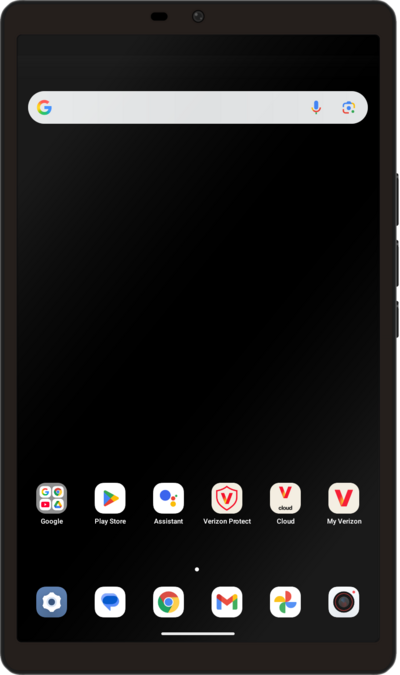
Tap GET STARTED.
Here you can change your locale and accessibility settings.
Tap I agree.
Tap NEXT.
Select your Wi-Fi network, enter its password, and tap CONNECT.
You can also choose to set up your device offline by tapping SKIP.
Tap Next.
Select if your current residence is located in the US, then tap Next again.
Select your age range, then tap Next again.
Tap Don't copy.
Select who will be using this device.
Tap the Email or phone field, enter your Google account's email address and then tap Next.
Enter your Google account's password and tap Next again.
Select who will be using this device and tap Next again.
Tap I agree.
Tap Skip.
For this tutorial, we're skipping the Face Unlock setup, but we recommend using it to increase the security of your device.
Enter a PIN number, and tap Next.
Re-enter your PIN number, and tap Confirm.
Scroll to the bottom of the screen and tap Accept.
Tap Don't back up.
Tap Continue.
Scroll to the bottom of the screen and tap No thanks.
Tap Skip.
Tap Skip again.
Tap No thanks.
Tap GOT IT!
Tap the X icon.
You've completed the steps!
