Powering your device on and off
Tab8 NXTPAPER 5G
Powering your device on and off
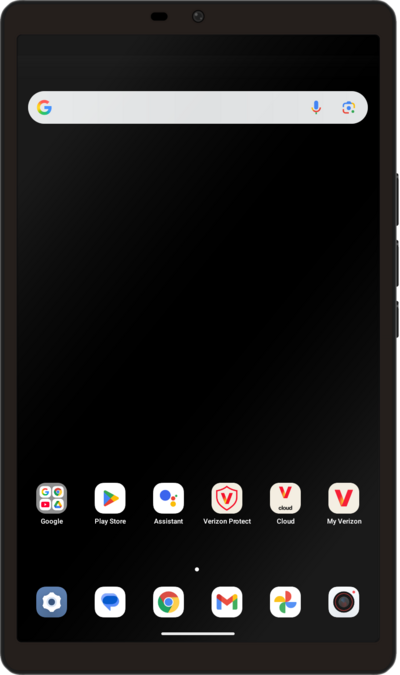
Turning your device off and on is called "restarting" your device. Restarting your device is a common first step in troubleshooting any device issues. No saved information will be lost during a restart.
1.
To turn off your phone, press and release the Power and Volume Up buttons simultaneously.
2.
Tap Power off.
To perform a simple restart instead of fully powering off your device, tap Restart.
3.
You've completed the steps!
