Transferring content from your old device via wireless connection
Transferring content from your old device via wireless connection
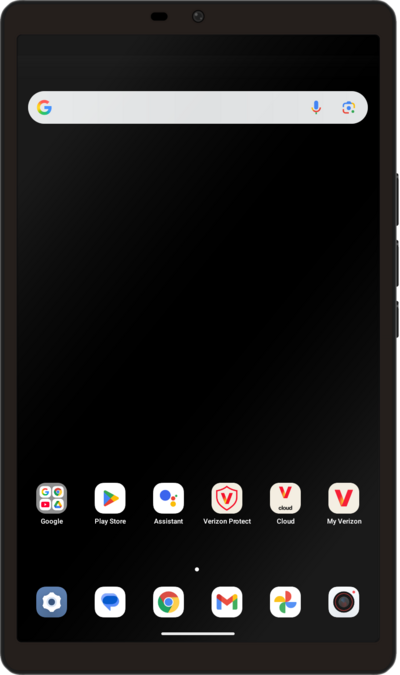
Tap GET STARTED.
Tap I agree.
Tap NEXT.
Select your Wi-Fi network, enter its password, and tap CONNECT.
To enable wireless transfer, ensure your old device is connected to the same network.
Tap Next.
Select if your current residence is located in the US, then tap Next again.
Select your age range, then tap Next again.
Tap Next again.
Tap Next again.
Tap Can't use other device? if you would like to restore your information from a Google backup instead.
Tap No cable?
If you would like to use your old device, plug a USB cable into your old device and tap Next. Once the device is plugged in, check your other device to make sure you are connected. You can skip the next steps and follow the on-screen prompt to complete the transfer.
Tap Copy without cable.
Tap Next.
Tap Switching from iPhone or iPad? if your are transferring your information from an Apple device.
Select who will be using this device.
Find and tap the Google app icon on your old device, then tap Next on your new device.
Follow the instructions on-screen to connect your old device for sending data. Once ready, tap Copy on your old device.
Select how you would like to copy data from your old device, then tap Copy.
After this step, follow the on-screen prompts to continue your new device's setup.
You've completed the steps!
