Adjusting RCS chat settings
Galaxy A51 5G UW
Adjusting RCS chat settings
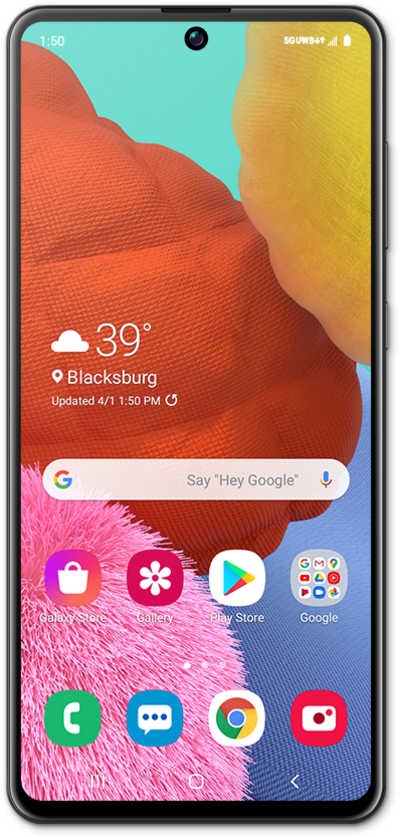
Learn how to adjust your RCS chat settings. This feature will allow you to improve the quality and efficiency of your messages.
1.
From the Messages app main screen, tap the Account icon.
2.
Tap Messages settings.
3.
Tap RCS chats.
4.
Enable Turn on RCS chats.
5.
Select your preferences.
6.
You've completed the steps!
