Sending a text to a group
Galaxy A51 5G UW
Sending a text to a group
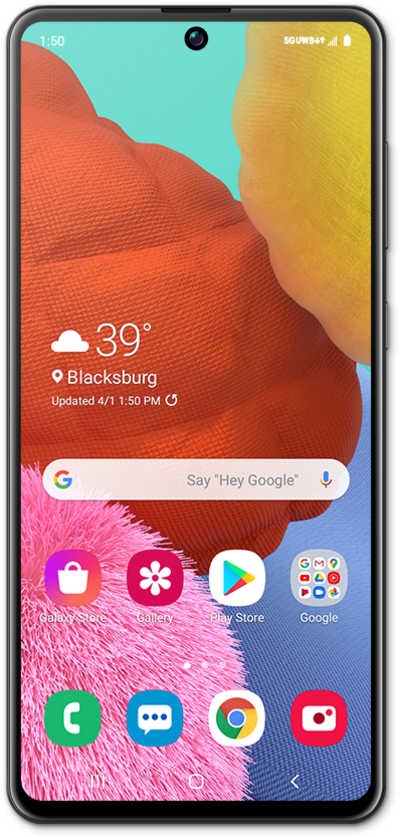
Learn how you can send a text message or multimedia message to a multiple contacts at once. You can attached a picture, video, or other media file to a text message.
1.
From the Messages app, tap the Start chat icon.
2.
Tap Create group.
3.
Enter a contact's name.
4.
Select the contact.
If necessary, select which of the contact's numbers you'd like to send the message to. Repeat steps 2 and 3 to add more recipients to the group text message.
5.
Tap Next.
6.
Enter a group name.
7.
Tap Next.
8.
Compose your message.
9.
When you're finished, tap the Send icon.
10.
You've completed the steps!
