Assigning a picture to a contact
Galaxy A10e
Assigning a picture to a contact
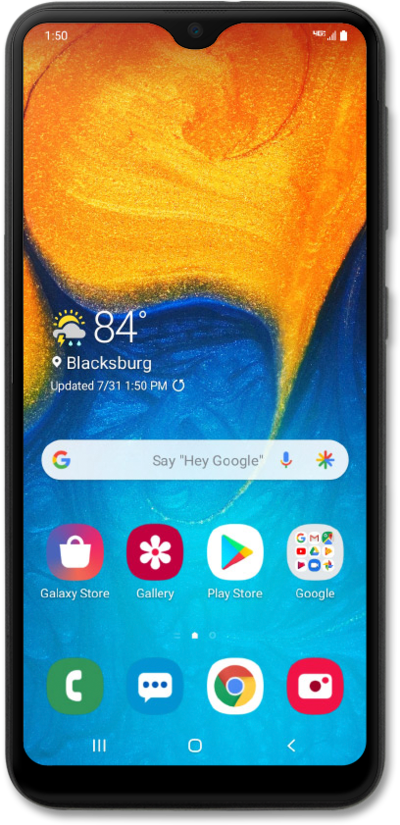
Set pictures to the contacts on your device to make it easier to tell who a text, email, or phone call is from at a glance.
1.
From the Contacts app main screen, select the contact you'd like to assign a photo to.
2.
Tap Edit.
3.
Tap the Photo icon.
4.
Tap Gallery.
5.
Tap Gallery again.
6.
Select the photo you'd like to use.
7.
Drag the white borders to crop the image as desired.
8.
Tap Done.
9.
Tap Save.
10.
You've completed the steps!
