Creating a group and adding contacts to It
Galaxy A10e
Creating a group and adding contacts to It
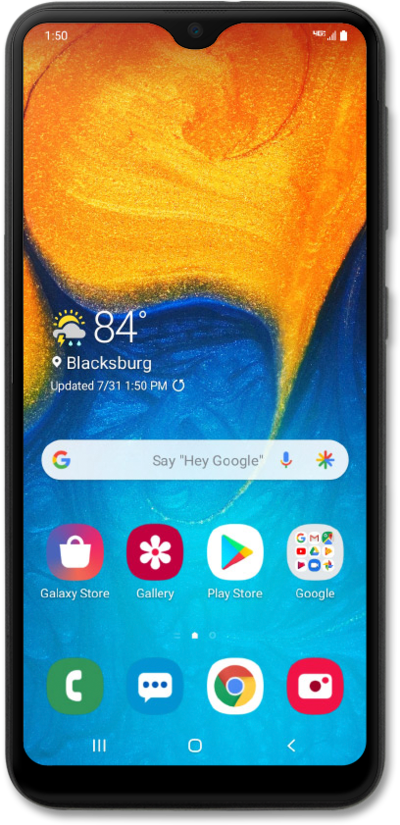
Create a group to combine contacts that you typically contact together. You will be able to select the group as you would a contact for text messaging. Note that a group might have a limit on how many contacts can be added depending on the device.
1.
From the Contacts app main screen, tap the Navigation icon.
2.
Tap Groups.
3.
Tap Create group.
4.
Enter the group's name.
5.
Tap Add member.
6.
Select a contact.
7.
Tap Done.
To add more contacts to the group, repeat steps 5-7.
8.
Tap Save.
9.
You've completed the steps!
