Changing your Tap duration
Galaxy A12
Changing your Tap duration
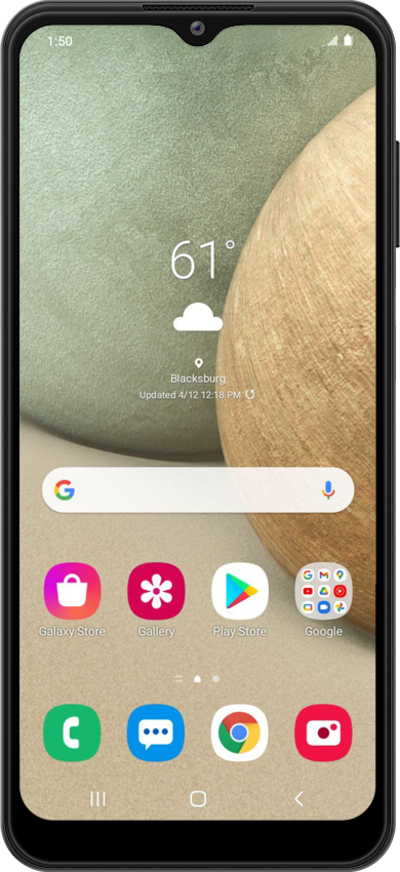
You can adjust how long you need to press on your device in order for it to register as a "tap."
1.
From the Settings app, scroll to Accessibility.
2.
Tap Accessibility.
3.
Tap Interaction and dexterity.
4.
Tap Tap duration.
5.
Tap the Plus or Minus icon to adjust your preferred Tap duration.
You can select Tap here to test to test your current Tap duration.
6.
Tap the Tap duration switch to ON.
7.
You've completed the steps!
