Remove Animations

Galaxy A12

Remove Animations
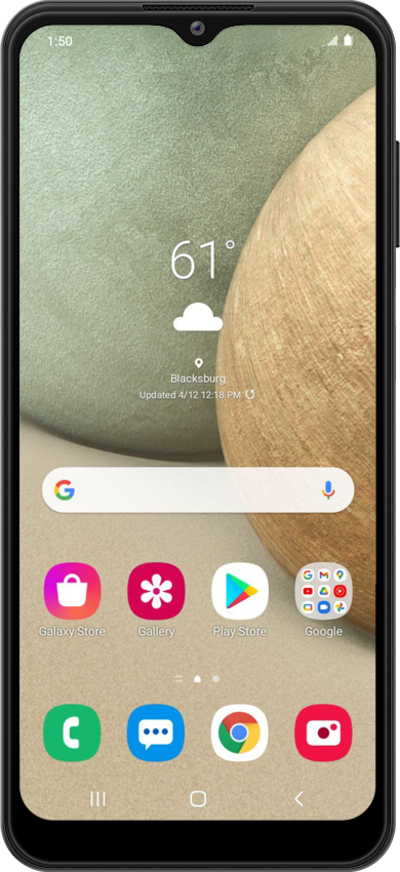
You can turn off all on-screen animations on your device to help address any viewing issues you may be experiencing.
1.

From the Settings app, scroll to Accessibility.

Next
From the Settings app, scroll to and tap Apps.

Was this guide helpful?


Related topics


Accessibility

Adjusting your display size
Adjusting your font size
Changing the size of items on your screen
Changing your Tap duration
Changing your display mode
Changing your typing preference for TalkBack
Turning on Highlight buttons
Turning on Universal switch
Turning on and changing Color adjustment settings
Turning on and changing Flash notification settings
Turning on and changing Ignore repeated touches settings
Turning on and changing Live Caption settings
Turning on and changing your Assistant menu
Turning on and changing your Voice Access
Using Live Transcribe
Using TalkBack
Using accessibility shortcuts
Using screen magnification