Managing Data Usage
iPhone 5c
Managing Data Usage
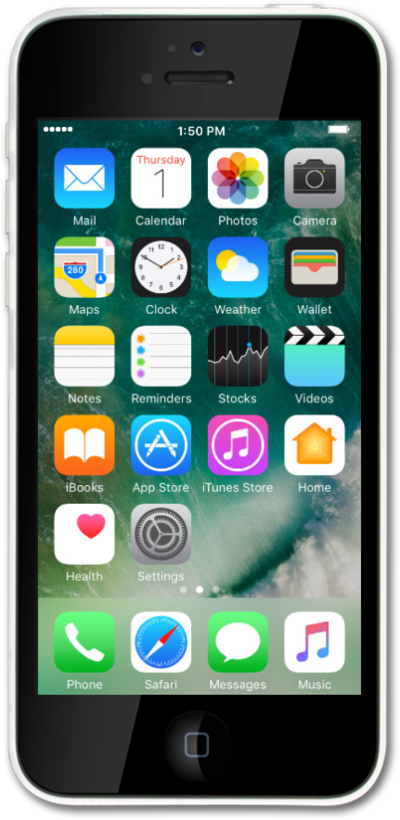
You can view how much cellular data each of your apps has used and temporarily prevent them from accessing cellular data.
1.
From the Home screen, tap Settings.
2.
Tap Cellular.
3.
Scroll to the USE CELLULAR DATA FOR section.
4.
Select your preference. Turning off apps may help save battery life and data consumption.
5.
You've completed the steps!
